
About:
The Circular Selection Indicator is designed to provide visual contrast from the plain text by displaying the selected amount of different items in a circular manner. It works as a slider that lets users adjust quantities by moving while holding the mouse up or down. This lets players make quick, precise selections within a defined range. Check it out here: https://www.roblox.com/games/18318485751/Circular-Selection
Usage Example
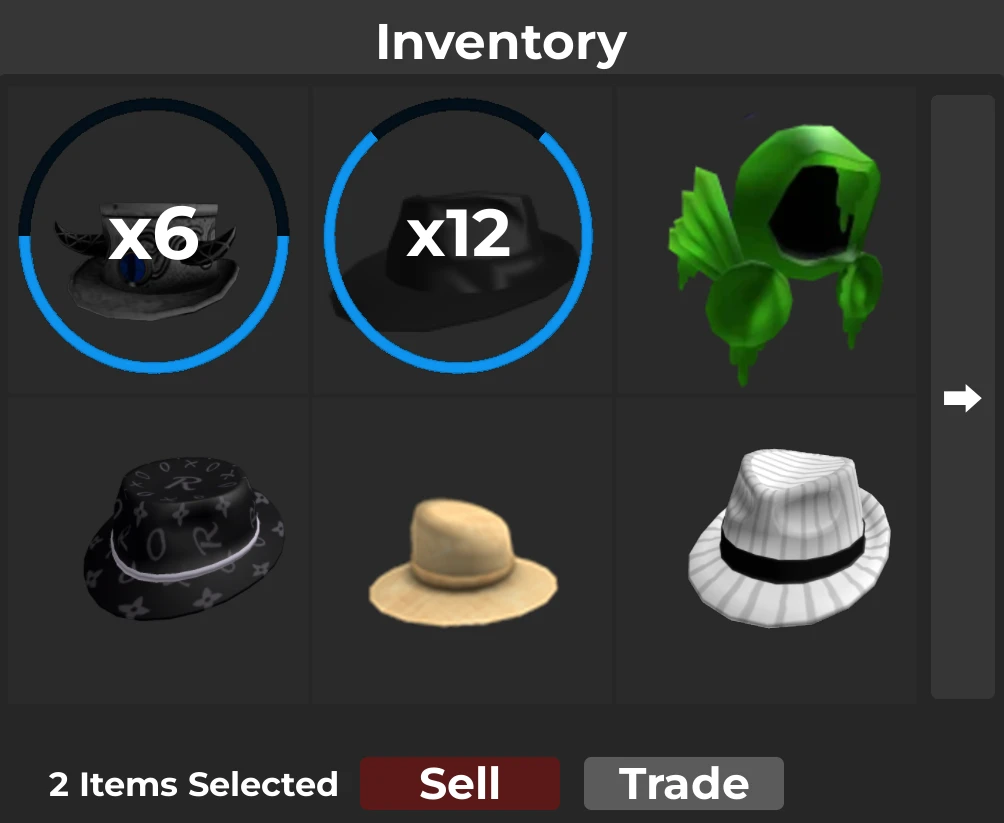
The circular slider indicator can be used to streamline inventory management by enabling users to select item quantities with greater efficiency, facilitating quicker call-to-action events.